How to Choose a 2 Inch TFT LCD Display?
Choosing a 2 Inch TFT LCD Display looks simple until a prototype reaches the workbench. The screen must fit the enclosure, support the interface, and remain readable under real lighting. A display that looks excellent in a supplier photograph may become weak beside a sunny window. Small dimensions also magnify small mistakes. A connector can block a mounting hole. A thick bezel can reduce the usable viewing area. This guide explains the practical checks that help engineers, product designers, and informed buyers make a dependable choice. It focuses on measurable specifications rather than attractive slogans.
Resolution, viewing direction, brightness, contrast, touch capability, and operating temperature deserve careful comparison. Interface choice matters too. SPI may simplify a compact prototype, while RGB or MIPI solutions can suit different performance demands. Power consumption affects battery life, heat, and enclosure design. Mechanical drawings should be checked against the actual cable path, screw locations, and panel opening. I have seen teams approve a panel after checking only diagonal size, then discover that the active area was too narrow. That is an avoidable lesson. Still, no checklist replaces testing.
A reliable selection process includes sample evaluation, supplier documentation, and repeated tests with the intended controller. Measure visibility at several angles. Test the screen with gloves if users will wear them. Check startup behavior at low temperatures and after long operation. Specifications can vary between batches, so written confirmation is valuable. The “best” 2 Inch TFT LCD Display is not universal. It is the model that balances image quality, integration effort, durability, cost, and supply stability for one defined product. Some recommendations may need revision after testing. That is normal engineering, not failure.
Understanding the Core Specifications of a 2 Inch TFT LCD Display
How to Choose a 2 Inch TFT LCD Display?
Understanding the core specifications of a 2 inch TFT LCD display helps prevent costly design changes. The diagonal size is only one detail. Check the active viewing area, outer dimensions, and mounting holes against your enclosure. A display can fit the panel cutout but still block nearby buttons or cables.
Resolution affects sharpness and power demand. A 240 × 320 panel may show small icons clearly, while a 176 × 220 panel can suit simpler interfaces. Pixel density matters more than resolution alone.
Check brightness in nits, contrast, and viewing angle under real lighting. A screen that looks strong indoors may appear weak beside a sunny window. Backlight life also deserves attention.
Interface compatibility is equally important.
SPI uses fewer pins but may refresh slowly with complex graphics. Parallel interfaces can move data faster, yet they require more board space. Confirm logic voltage, controller support, initialization commands, and touch compatibility.
Resistive touch can work with gloves, while capacitive touch usually feels smoother.
I once selected a display by resolution alone and missed its connector orientation. That mistake forced a revised cable route.
Specifications are useful, but sample testing is better. Check colors, viewing angles, startup time, and heat during continuous operation. Some data sheets feel complete, but mechanical drawings may still leave small tolerances unclear.
Matching Display Resolution, Brightness, and Viewing Requirements
How to Choose a 2 Inch TFT LCD Display?
Choosing a 2-inch TFT LCD display starts with the viewing task, not the screen size. Resolution determines how clearly small text, icons, and measurement values appear. A 240 × 320 panel can show fine details, while a lower resolution may suit simple status indicators. However, higher resolution also increases processing demands and power use. Match the pixel density to the user’s actual viewing distance. At 40 centimeters, oversized numbers often improve readability more than extra pixels.
Brightness must reflect the installation environment. Indoor equipment may work well at 300 to 500 nits, especially under controlled lighting. A display near a window or inside a vehicle usually needs stronger output. Direct sunlight can wash out dark graphics quickly. High brightness helps, but it can increase heat and battery consumption. I once selected a bright panel for a portable prototype and underestimated its power draw. The screen looked excellent, but operating time fell noticeably.
Viewing angle is equally important when users will not face the display directly. Check both horizontal and vertical angles in the intended enclosure. A panel can appear sharp from the front yet lose contrast when tilted slightly. Test it with real graphics, not only colorful sample images. Examine thin fonts, warning symbols, and gray backgrounds. Also verify brightness uniformity near the corners. Datasheet values are useful, but hands-on testing reveals reflections, glare, and awkward mounting limitations.
How to Choose a 2-Inch TFT LCD Display?
Compare practical brightness targets for different viewing environments when selecting resolution, readability, and viewing performance.
For indoor interfaces, 250–350 cd/m² is typically sufficient. Mixed indoor and outdoor use generally benefits from around 500–700 cd/m², while direct sunlight may require 800 cd/m² or more. Common 2-inch TFT resolutions include 240×320 for portrait interfaces, 320×240 for landscape layouts, 480×272 for widescreen designs, and 480×480 for square graphical interfaces. Higher resolution improves detail, but it may also increase power consumption and processing requirements.
Checking Power Use, Physical Dimensions, and Mounting Compatibility
How to Choose a 2 Inch TFT LCD Display?
Power use matters more than many compact projects expect. A small screen can draw significant current when its backlight stays at full brightness. Check the supply voltage, typical current, peak current, and standby consumption in the technical sheet. Then measure the display during startup and normal operation with a suitable meter. Startup spikes can reset a small controller.
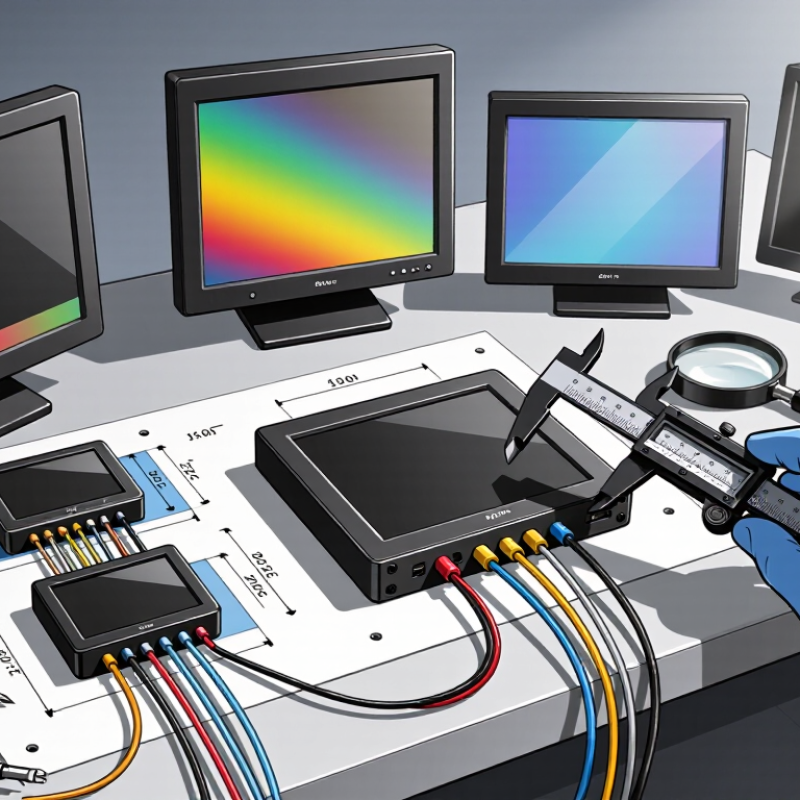
Physical dimensions need careful checking. Do not measure only the visible glass. Include the bezel, connector, cable bend radius, and any protective cover. A display measuring about two inches diagonally may still need extra depth behind the panel. I once allowed enough front space but overlooked a side-mounted connector. The enclosure required changes. It was an avoidable mistake.
Mounting compatibility should match the real installation, not just the drawing. Compare hole spacing, screw size, panel cutout, and mounting direction. Check whether the screws could touch the circuit board. Leave room for washers and tool access. If the display uses adhesive, examine heat, vibration, and service needs. A temporary mounting method may fail later. Test a printed mock-up or cardboard template before ordering. This simple step can reveal blocked buttons, tight cables, or an awkward viewing angle. Specification sheets are useful, but physical verification remains more reliable.
How to Choose a 2 Inch TFT LCD Display? - Checking Power Use, Physical Dimensions, and Mounting Compatibility
| Display Option | Resolution | Aspect Ratio | Approx. Active Area | Typical Module Size | Typical Supply & Power | Mounting Compatibility |
| Standard 2.0-inch TFT | 240 × 320 pixels | 3:4 portrait | 30.6 × 40.8 mm
Diagonal: approximately 2.0 in | Approx. 34 × 46 × 2.5 mm
Bezel included | 3.3 V logic
Typical module current: 80–120 mA
Estimated power: 0.26–0.40 W | Four corner holes or slots are common; verify hole coordinates and bezel clearance before PCB layout. |
| Wide-Viewing-Angle 2.0-inch TFT | 240 × 320 pixels | 3:4 portrait | 30.6 × 40.8 mm
Diagonal: approximately 2.0 in | Approx. 35 × 47 × 2.8 mm
Actual size depends on the touch panel and cover lens | 3.3 V logic
Typical module current: 100–160 mA
Estimated power: 0.33–0.53 W | Suitable for custom brackets or a front-panel cutout; keep at least 0.5–1.0 mm assembly clearance around the module. |
| Compact 2.0-inch TFT | 176 × 220 pixels | 4:5 portrait | 28.0 × 35.0 mm
Diagonal: approximately 44.8 mm | Approx. 32 × 42 × 2.5 mm | 3.3 V logic
Typical module current: 60–100 mA
Estimated power: 0.20–0.33 W | Useful where PCB area is limited; mounting holes may be absent, so a carrier frame or adhesive support may be required. |
| High-Resolution 2.0-inch TFT | 320 × 240 pixels | 4:3 landscape | 40.6 × 30.5 mm
Diagonal: approximately 2.0 in | Approx. 46 × 35 × 2.7 mm | 3.3 V logic
Typical module current: 100–180 mA
Estimated power: 0.33–0.59 W | Best for landscape enclosures; confirm the connector position and cable bend radius when checking rear-panel space. |
| 2.0-inch TFT with Resistive Touch | 240 × 320 pixels | 3:4 portrait | 30.6 × 40.8 mm
Touch panel covers the active area | Approx. 36 × 49 × 3.5–4.5 mm | Display: approximately 0.26–0.40 W
Touch controller adds approximately 0.03–0.10 W | Allow additional front-surface thickness and a touch-panel tail outlet; avoid clamping directly on the glass. |
| 2.0-inch TFT with Capacitive Touch | 240 × 320 pixels | 3:4 portrait | 30.6 × 40.8 mm
Cover lens may extend beyond the active area | Approx. 36 × 49 × 3.0–4.0 mm | Display: approximately 0.26–0.40 W
Touch controller adds approximately 0.02–0.08 W | Requires a rigid, flat front panel; reserve space for the touch-control interface and keep the lens free from mechanical stress. |
Selection guidance: Active-area dimensions are calculated from the nominal 2-inch diagonal and the stated aspect ratio. Module dimensions, current consumption, connector locations, hole patterns, and interface requirements vary by construction. Confirm the final mechanical drawing and electrical datasheet before production.